
Having fun is a high priority for us as a family, and a round of PowerPoint karaoke (which we reserve for family vacations but you can do anytime) is a major source of laughs for us. If you try it and like it, tell me, please–and share your slide decks!
PowerPoint Karaoke is fun because your center-of-attention types get a stage to themselves for 4-7 minutes, your behind-the-scenes planners will have fun prepping it, and everyone will laugh a lot.
Here’s how it works: Someone builds a slide deck (PowerPoint, Google Slides, etc.) for presentation to the group. It should be on a theme that is appropriate for the audience, include ample images and few words, and make some kind of argument. (“How to do X” is a good choice because you can organize the slides into steps in a process.)
You’ll then hand it off to the presenter, who hasn’t seen it before and won’t know what the topic is until they open the first slide–which is the same time the audience sees it. They’ll deliver a short talk on the topic, inspired by the slides as they appear on the TV or projection screen. Their goal isn’t to be accurate about the topic but to be funny.
Prep 3-4 slideshows at once so that you had spend about 30-40 minutes laughing together. Obviously, the person/people who create them can’t present the ones they create, but they can tailor the ones they make for specific presenters. Make one about cooking for the family chef, one about WWII for the military historian, and one about fashion trends or game design for the teenager.
Here are some of ours, which you can use or edit, as you like:
- “How to Make a Million Dollars the Fast and Easy Way: A Foolproof Guide”
- “How to be Happy: Lessons from Unexpected Places”
- “How to Raise Perfect Children” (includes some humor for 13+)
- “America: 250 Years of Historical History” (includes some humor for 13+)
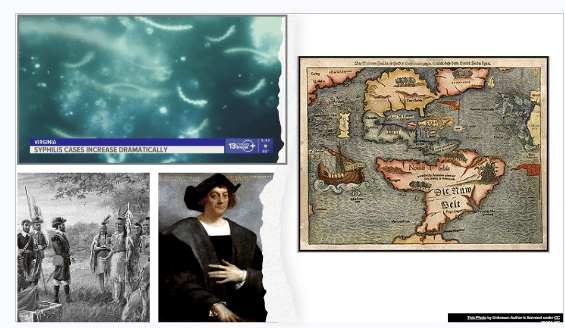
What will you presenter say about Christopher Columbus, early encounters between European and indigenous Americans, this map of the New World, and syphilis?

